AI fashion model generator
Put your clothes on a model without a photoshoot
Foldrise turns a photo of your garment into a realistic on-model product photo. Choose the model, the pose and the background, and download a high-resolution image in about a minute. No photographer, no studio rental, no model booking.
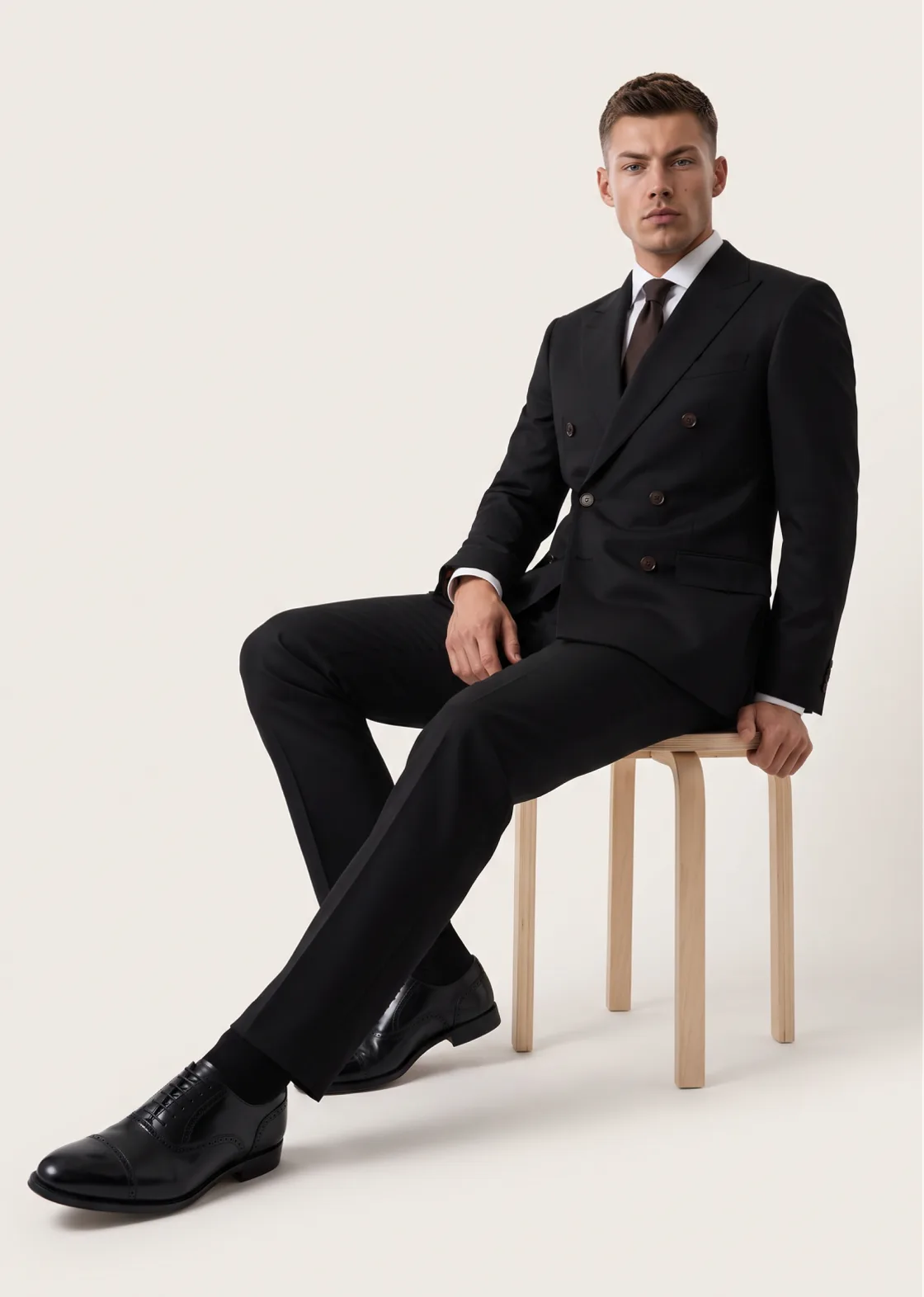
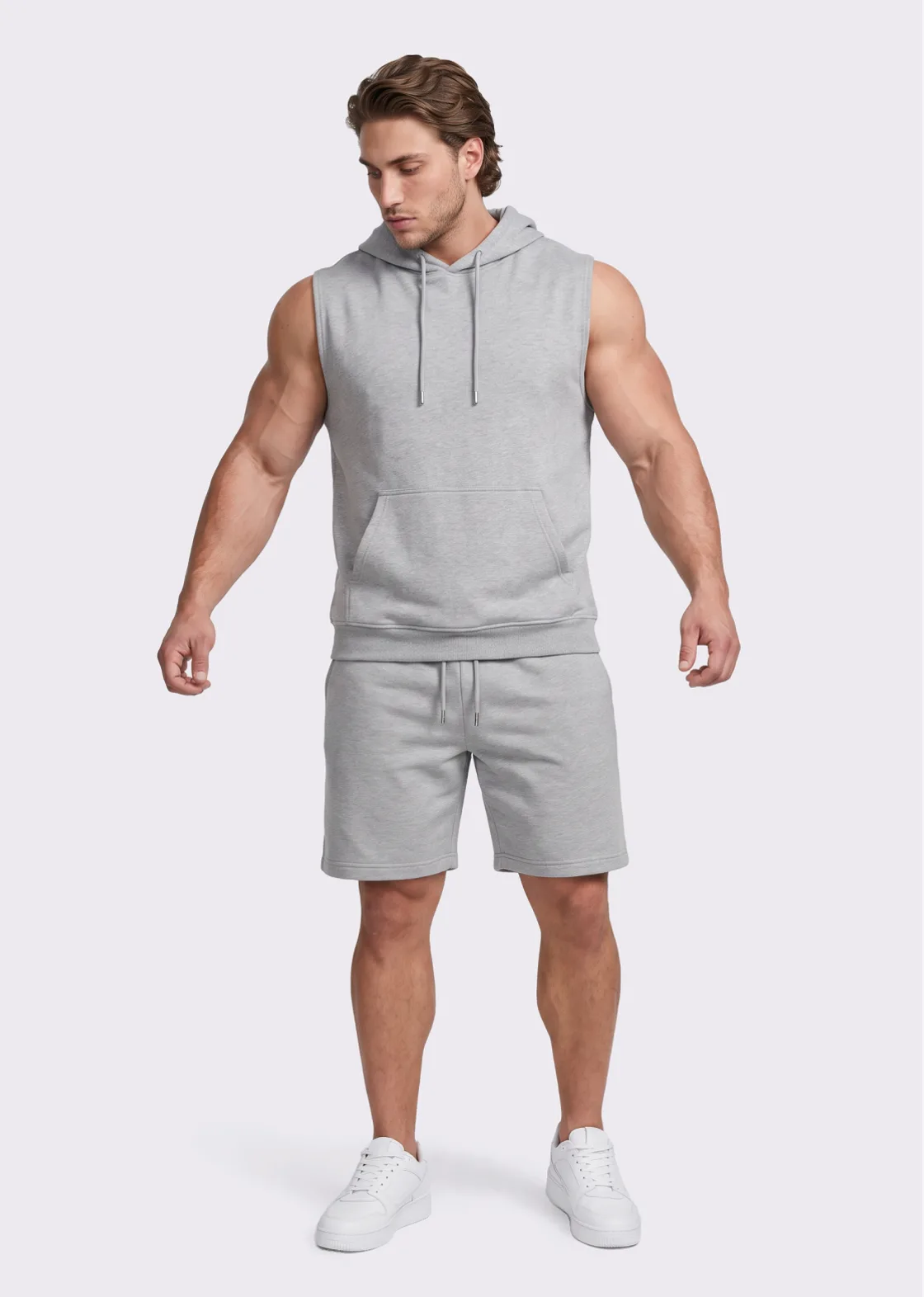
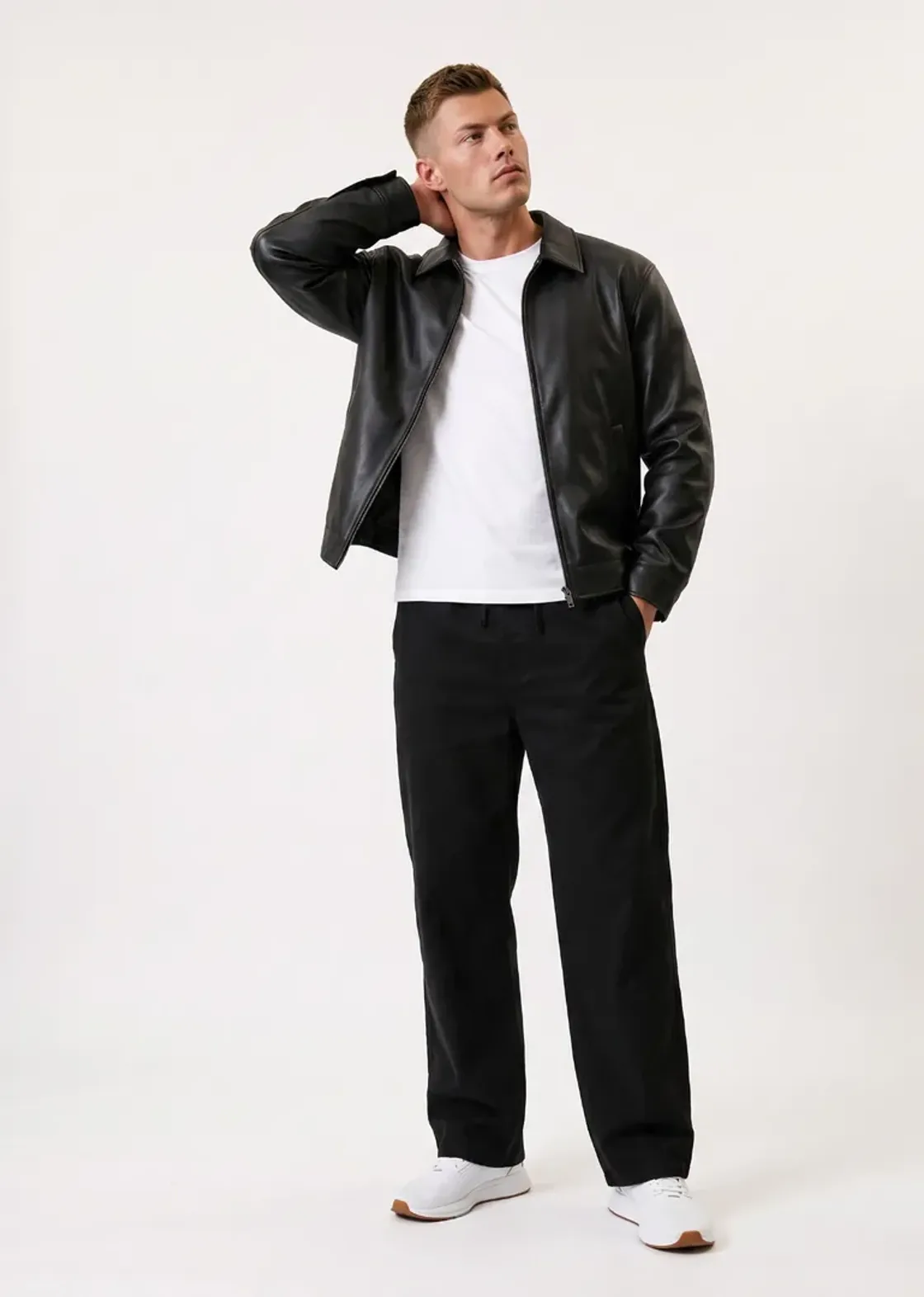
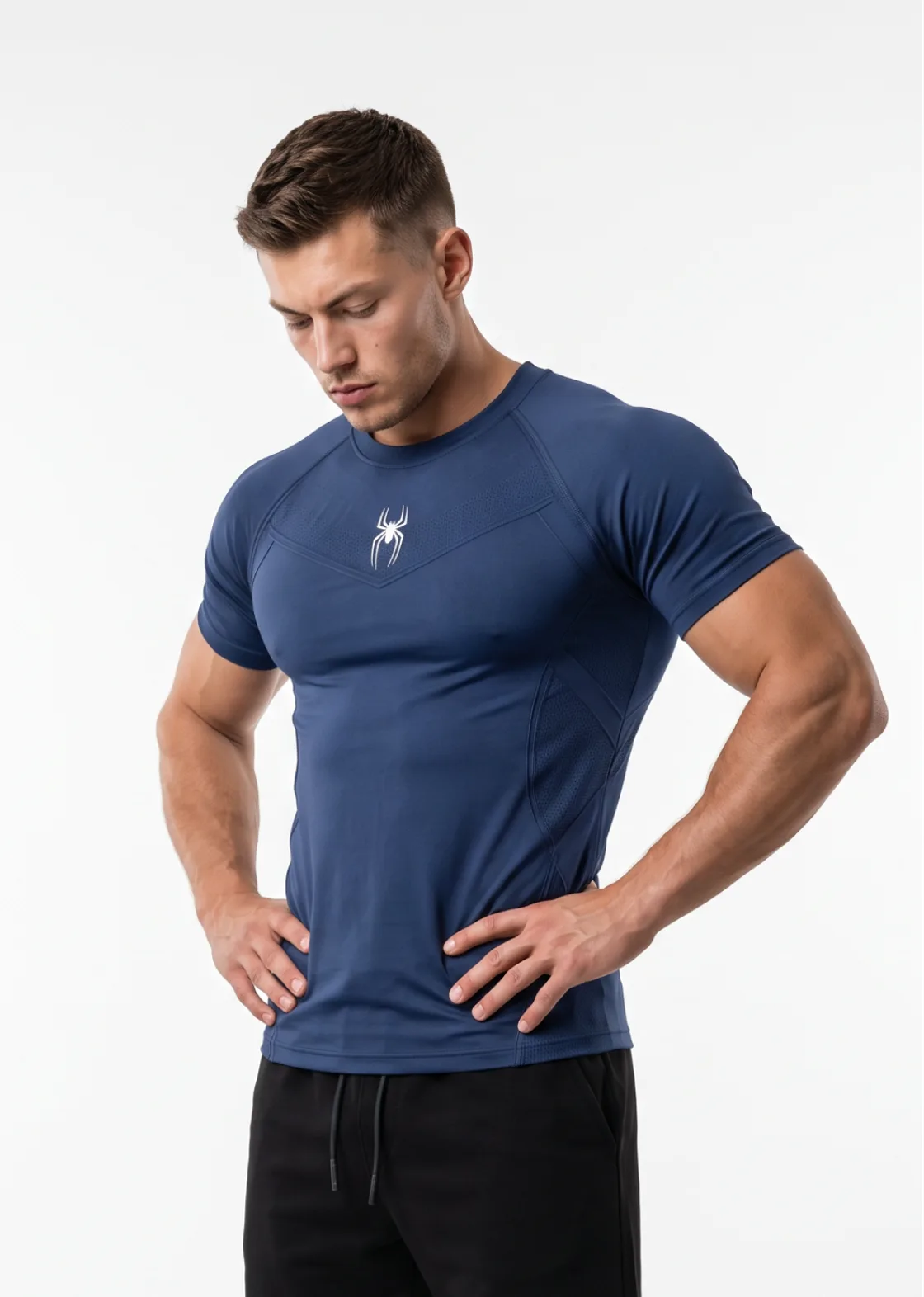
All four images were generated with Foldrise from a garment photo and a model photo.
How it works
- 1
Upload your garment
A clear photo of the top on its own: a flat lay, a hanger shot or a ghost-mannequin photo all work. You can add the back of the garment and a fabric close-up for more accurate details, plus bottoms and shoes to complete the outfit.
- 2
Choose the model and the look
Upload a photo of a model you have permission to use (or yourself), or pick one of our ready-made models. Then choose a pose, a body type (Auto, Lean, Muscular or Bulk), a background and the image size for where it will be used.
- 3
Generate and download
Foldrise creates the on-model photo in about a minute. Download it in high resolution and use it on your store, marketplace listings and ads.
What you can make with it
- Product page images: front, back, side and detail shots for every item, in one consistent style.
- Ads and social posts: editorial poses and sizes for the feed (4:5), stories and reels (9:16) and banners.
- New drops before they are shot: show a new design on a model as soon as you have a sample photo.
- Lookbooks: one garment in several poses and backgrounds so a small range looks like a full campaign.
See every pose in the pose library, or read how to photograph your clothes for the best results.
Pricing
| Plan | Price | Images per month | Cost per image |
|---|---|---|---|
| Starter | $19 / month | 60 | $0.32 |
| Growth | $49 / month | 160 | $0.31 |
| Studio | $99 / month | 330 | $0.30 |
Yearly plans cost less per image. Plan credits stay valid for 90 days. See all plans.
Questions
What is an AI fashion model generator?
It is a tool that creates a realistic photo of a person wearing your garment, from a photo of the garment itself. Instead of booking a photographer, a studio and a model, you upload the product photo and get an on-model image you can use in your store.
Will the garment look exactly like mine?
Foldrise is built to keep the colour, cut, logos and prints of your garment. Clear, well-lit product photos give the most accurate results. AI can still get small details wrong now and then, so check each image before you publish it; if one is off, generate it again and you get a new variation.
Can I use my own model or face?
Yes. You can upload a photo of yourself or of a model who has given you permission to use their likeness, or pick one of the ready-made models. Photos of public figures, minors, or anyone who has not consented are not allowed.
How much does it cost?
One credit makes one image (the Logo Close-up uses 2). Plans start at $19 a month for 60 images, and new accounts get 1 free credit to try it. If a generation fails, the credit is refunded automatically.
Which poses and backgrounds are available?
14 poses, from a straight product stance to seated, mirror-selfie and back views, plus a logo close-up. Backgrounds include white, grey, black and beige studios, a dark gradient, a concrete wall, or any solid colour you pick.
Can I use the images commercially?
Yes. The images you generate for products you sell can be used on your website, marketplaces, social media and ads.